Send the sound from your computer to a UPnP/DLNA device
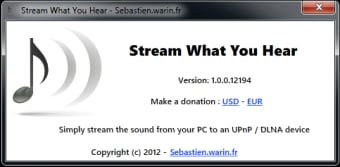
Stream What You Hear (SWYH) is a Windows application that lets you play sound from your computer on UPnP/DLNA equipment such as a TV or amplifier.
Top Recommended Alternative

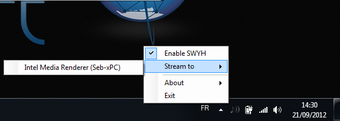
Stream What You Hear captures the sound that comes out of your PC (from your web browser, a streaming music application, or an audio player) and plays it on a compatible device. You hardly know the application is there as it sits in the notification area and requires no configuration for it to work.
What People Are Saying
- The Good
People value that it is free and open source. Many say it reliably streams whatever is playing on a Windows PC to Sonos, DLNA, and other network speakers.
- The Bad
The main gripe is a noticeable delay, fine for music but poor for video where sound and picture drift apart. Users also call it dated and Windows only, leaning on aging parts that push some toward community rewrites.
- The Bottom Line
Expect a reliable, free way to send desktop audio to network speakers, if you can accept a short lag and a dated Windows-only setup.